
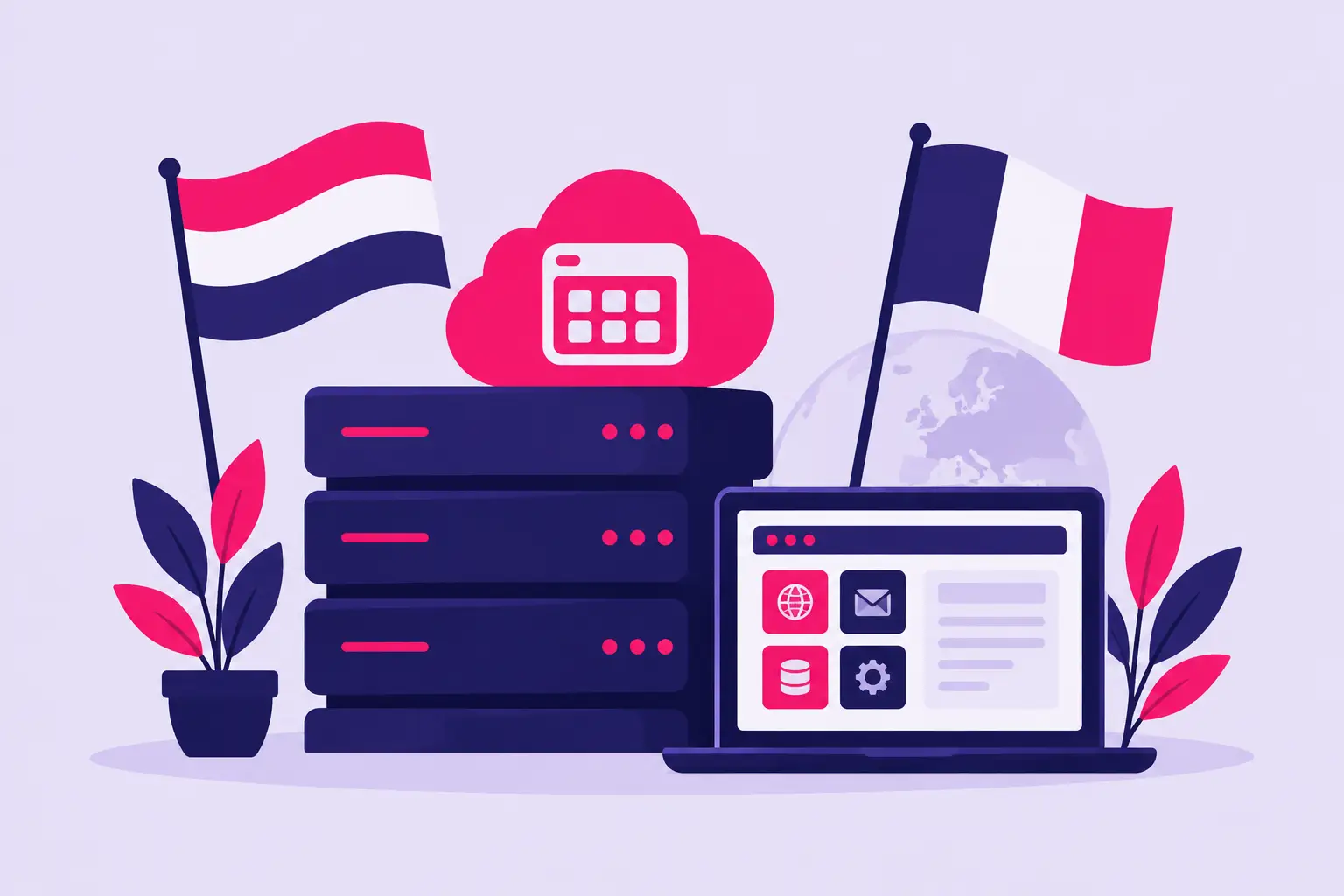
A hosting account should not make basic website tasks harder because the control panel is in a language you do not use every day. cPanel hosting with Dutch and French language support can make a real difference for business owners, bloggers, and freelancers who need to manage files, email, domains, databases, and security settings with confidence.
The goal is not simply to find a translated screen. You need a dependable hosting service with a familiar cPanel environment, clear help when something goes wrong, and the speed and security essentials that keep a site ready for visitors.
What Language Support Should Mean for Your Hosting
Language support can describe two different parts of the hosting experience. The first is the cPanel interface itself. Where available, you may be able to choose Dutch or French as your preferred language, so menus, settings, and common actions are easier to understand.
The second is support communication. This matters when you need help with an email problem, a WordPress installation, a domain setting, or a billing question. A translated interface is useful, but it does not replace clear, responsive technical support.
Before choosing a plan, confirm exactly what is offered. Some providers support a language setting inside cPanel but provide support only in English. Others may offer multilingual sales or account assistance while the technical dashboard remains mostly English. Neither setup is automatically a problem, but knowing the difference prevents surprises after signup.
For many users, cPanel is already easier to use than a custom hosting dashboard because it is widely recognized and organized around common tasks. Adding a familiar language can reduce mistakes, especially when you are updating DNS records, creating email accounts, or reviewing backup options.
Why cPanel Is a Practical Choice for Small Sites
A small website does not need enterprise-level server management. It needs an easy way to handle the essentials without relying on a developer for every change. cPanel puts those routine controls in one place.
From one account, you can typically create professional email addresses, upload website files, manage databases, install applications, set up redirects, review resource use, and access basic security tools. If you use WordPress, one-click installers can save time during setup and make it easier to add other common software later.
The benefit is control without unnecessary complexity. You still have access to the settings that matter, but you are not expected to manage a server from the command line.
This is particularly helpful for a French-speaking consultant building a portfolio site, a Dutch-speaking shop owner managing a business email address, or an international team that shares responsibility for a website. When more people can understand the account interface, fewer routine tasks get delayed.
Choosing cPanel Hosting With Dutch and French Language Support
The language option is worth checking, but it should not be the only deciding factor. A dashboard is only useful when the hosting behind it is reliable.
Start with performance. SSD storage helps websites, databases, and files respond faster than older hard drive-based infrastructure. Speed will still depend on your website theme, images, plugins, and visitor location, but a fast hosting foundation gives your site a better starting point.
Next, look for SSL at no extra cost. An SSL certificate protects information sent between your website and its visitors and enables the HTTPS connection browsers expect. It is essential for contact forms, login pages, online stores, and visitor trust in general. Free SSL also removes one more technical task and recurring expense from your launch checklist.
Uptime matters just as much. If your site is unavailable, customers cannot contact you, read your content, or place an order. Choose a provider that takes uptime seriously and has support available when you need help investigating a problem. An uptime guarantee is a useful trust signal, although no provider can promise that every issue will be caused by the host. Plugin conflicts, expired domains, and incorrect DNS changes can also take a site offline.
Finally, check how easily the plan can grow. A simple personal blog and a busy small business site do not use the same resources. You may not need a larger plan on day one, but it helps to know there is a clear upgrade path if traffic, email needs, or storage requirements increase.
Questions to Ask Before You Sign Up
Ask whether Dutch and French are available as cPanel interface languages on the plan you are considering. If language selection is available, ask where it is changed and whether each user can set a different preference.
It is also smart to ask what languages the support team uses and what level of help is included. For example, support can usually help with hosting access, email setup, SSL, and account-level issues. Building a custom website, fixing every third-party plugin error, or rewriting a theme may fall outside standard hosting support. Clear expectations make support more useful when you need it.
If you are moving an existing site, ask about migration options, email transfer considerations, and the steps for updating your domain nameservers. A move can be straightforward, but it should be planned carefully to avoid missed email or unnecessary downtime.
How to Set the Preferred Language in cPanel
The exact labels can vary by cPanel version and hosting configuration, but the process is generally simple. Sign in to your hosting account, open cPanel, and look for an account preference or language setting. Select Dutch or French if it appears in the available language list, save the change, and refresh the page if needed.
If the language you want does not appear, contact the host before changing unrelated settings. It may be unavailable on that server, disabled for the account, or listed under a different localized name. Support can confirm the options rather than leaving you to guess.
Keep in mind that not every screen, third-party application, or error message will always be fully translated. WordPress, installers, and individual plugins have their own language settings. For the most consistent experience, set the language separately in cPanel, your website software, and any business tools your team uses.
Get the Basics Right From the Start
Once your account is active, take a few minutes to set up the items that protect your site and make it look professional. Create a domain-based email address instead of relying only on a personal inbox. Confirm that SSL is active and that your site loads using HTTPS. Install your preferred website application through the available installer, then update its administrator password and keep plugins current.
Backups deserve attention as well. A backup is your recovery point if an update fails, a file is deleted, or a website is compromised. Some plans include backup tools, while others offer them as an add-on or require you to create your own copies. The right approach depends on how often your content changes and how costly it would be to lose recent work. A business site that receives orders every day needs a more frequent backup routine than a small brochure site updated a few times a year.
Email security and spam protection can also save time. Use strong, unique passwords for cPanel, email accounts, and website administrators. If multiple people need access, create separate logins when possible rather than sharing one password. It is easier to manage access and safer when a contractor or employee no longer needs the account.
A Better Hosting Experience Starts With Clarity
For international site owners, language accessibility is not a minor extra. It can make routine website management less stressful and help you act faster when a setting needs attention. Still, the best choice balances Dutch and French language options with the fundamentals: fast SSD hosting, free SSL, useful cPanel tools, dependable uptime, and knowledgeable support.
Visiba is built for that practical balance, giving website owners a straightforward cPanel hosting environment without adding enterprise complexity or unnecessary costs.
Choose a plan that fits the site you have now, verify the language and support details before ordering, and keep your account organized from the first day. That gives you more time to focus on your visitors, customers, and next idea instead of wrestling with hosting controls.