
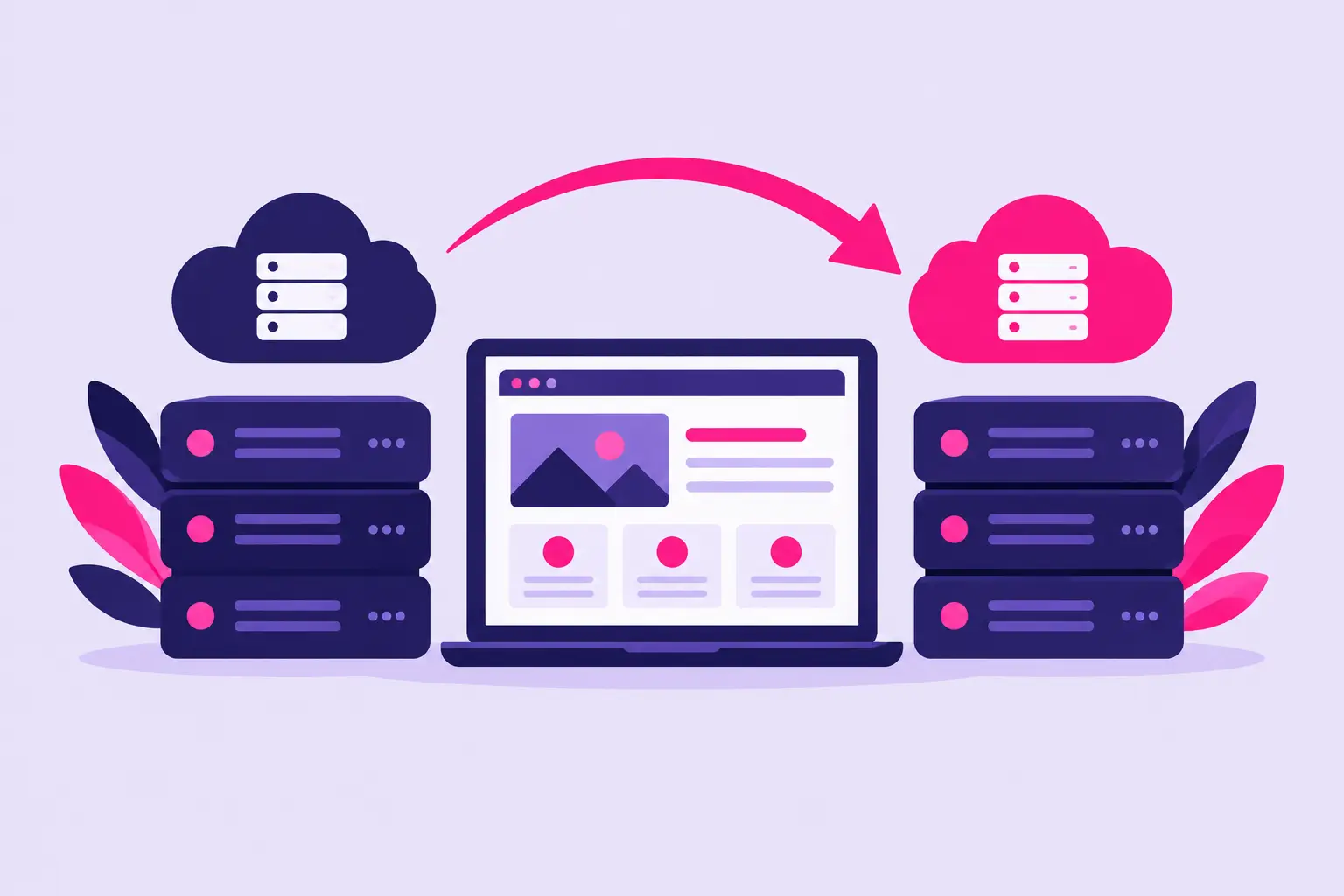
Moving a site should not mean rebuilding it from scratch or gambling with your business email. Free website migration when switching hosting providers can save hours of technical work, reduce the chance of missed files, and help your website stay available while you move to a better hosting environment.
For small businesses, bloggers, freelancers, and first-time site owners, the value is simple: a qualified support team handles the transfer while you focus on your customers and content. Still, not every migration is identical. The type of website you run, where your domain is registered, and whether you use email accounts can all affect the process.
What free website migration usually includes
A standard website migration moves the core parts of your site from your current host to the new one. For a typical cPanel account, that may include website files, databases, WordPress settings, email accounts, and configuration data. When both hosts use cPanel, a full account backup can often make the move faster and more complete.
For WordPress websites, the migration generally includes the WordPress files and database that store your pages, posts, users, themes, plugins, and settings. After the transfer, the new host can test the site before the domain points to the new server.
Free migration does not always mean every item in every account is included. Large accounts, custom server configurations, reseller accounts, proprietary site builders, or very old software may need additional review. A dependable hosting provider should explain what it can move, what you need to provide, and whether any part of the transfer requires your attention.
Free website migration when switching hosting providers: what to ask
Before opening a migration request, get clear answers to a few practical questions. This prevents surprises when it is time to change DNS or begin testing your site.
Ask whether the service transfers website files, databases, email mailboxes, forwarders, and DNS records. If email is essential to your business, confirm whether existing messages will be copied as well. Email migration can take longer than website migration because mailbox sizes vary and messages may still arrive during the move.
You should also ask how much access the migration team needs. Most transfers require login details for your current hosting control panel or a backup file created from it. Your new host may also need the domain name, the primary domain on the account, and confirmation that you authorize the move.
Finally, ask how the provider handles testing and DNS changes. Your site can usually be reviewed on the new server before visitors are sent there. This gives you a chance to check key pages, forms, images, and logins before making the final switch.
Prepare your account before the move
A little preparation makes migration easier, even when support handles the technical work. Start by taking your own recent backup. Free migration is a convenience, not a reason to skip keeping a copy of your website and database. Store the backup somewhere separate from your current hosting account.
Next, make a note of the services tied to your site. This may include contact forms, payment tools, appointment software, analytics, CDN settings, SMTP services, and email clients on your computer or phone. Most will continue working after the move, but recording their settings makes troubleshooting quicker if anything needs to be updated.
Before migration begins, avoid major changes to your site whenever possible. Publishing a small blog post is usually manageable, but adding hundreds of products, changing user data, or importing a large mailing list while a copy is being made can leave the old and new versions out of sync.
Your pre-move check should cover four essentials:
- A current website and database backup stored outside your hosting account
- Current hosting login details or a downloadable cPanel backup
- A list of active email addresses, forwarders, and important mailbox contents
- Access to the account where your domain’s DNS is managed
The domain registrar and web host do not have to be the same company. You can move hosting without transferring the domain registration. In many cases, changing the domain’s nameservers or DNS records is all that is needed to direct visitors to the new hosting account.
How to avoid website and email downtime
The final part of a migration is usually the DNS update. DNS tells browsers and email systems where to find your website and mail server. Once records are changed, the update can take time to spread across internet providers. Some visitors may reach the old server briefly while others reach the new one.
This is why a migration should be planned rather than rushed. The new copy of the website should be tested first. Check the homepage, contact forms, checkout flow if you sell online, member logins, and any pages that pull information from a database. If you run WordPress, sign in to the dashboard and confirm that plugins and themes load normally.
Email deserves the same attention. If email is hosted with the website, create the needed mailboxes at the new host and update your devices after DNS changes. Keep the old hosting account active until you confirm that new messages arrive at the new server and important historical mail is available.
For busy businesses, schedule the DNS change during a quieter period. That does not remove all propagation time, but it reduces the impact if a setting needs a quick correction. Do not cancel the old hosting plan until the site, email, and backups have been checked thoroughly.
When a free migration may need extra work
Most standard websites transfer well, especially sites built with WordPress and hosted in cPanel. However, some situations need more planning. A custom application may depend on a specific PHP version, server module, cron job, or firewall rule. An ecommerce site may have live orders and inventory updates that need to be synchronized near the cutover time.
Website builders can also be different. If your current site was created inside a host-specific builder, it may not export cleanly to another provider. In that case, you may need to rebuild the design in WordPress or another platform while keeping the same domain.
Very large websites can take longer to copy and test. The same applies to accounts with years of email archives. Free migration is still valuable in these cases, but it is reasonable for the provider to set expectations around timing, file limits, or what is included in the first transfer.
Choose a host that makes the next move unnecessary
A migration is a good moment to look beyond the introductory price. You need a hosting plan with enough storage and resources for your current site, but you also need tools that make everyday management easier. cPanel gives you familiar control over files, databases, email, backups, and domains without requiring server administration experience.
Look for SSD-powered hosting, included SSL certificates, reliable uptime, straightforward plan limits, and support that is available when you need it. One-click software installation matters too, especially if you plan to launch another WordPress site, add a blog, or test a new project later.
Visiba is built around that practical approach: fast cPanel hosting, free SSL, simple website tools, and expert support for website owners who want control without unnecessary complexity. The goal is not just to get your site moved. It is to give it a dependable place to grow.
After the migration, verify the details that matter
Once DNS has updated, visit your site from more than one device or network. Clear your browser cache if you still see an old version. Submit a test contact form, check site search, review images, and make sure secure pages display the SSL lock icon.
Then review your backup plan. A successful migration is the right time to set regular backups, keep WordPress updates current, and remove plugins or files you no longer use. These small tasks reduce future problems and make any later recovery much easier.
A good hosting move should feel organized, not stressful. With a current backup, a careful DNS plan, and support that understands the transfer, you can move your website with confidence and get back to running it.